Best Assistive Devices for Retinitis Pigmentosa
If you are looking for tools to help with retinitis pigmentosa, you have probably noticed that most low vision advice is written for conditions that affect central vision first. RP is different. It usually takes your night vision and side vision first, so the devices that help most are not always the ones you would expect.
Here is the good news: there is a wide and growing range of assistive technology built for exactly the challenges RP brings. The best device for you depends on where you are in your journey and the tasks that matter most in your day. This guide walks through the main categories, matches them to RP stages, and gives you honest expectations for each. For the bigger picture, see our complete guide to retinitis pigmentosa and low vision.
Devices for Night Vision Challenges
Because night blindness is often the first symptom, tools that help in low light are usually the first ones people look for.
Simple solutions are often the most reliable. A small, bright LED flashlight or your phone’s flashlight handles most everyday low-light moments, and reflective markers or motion-sensor lights at home reduce stumbles.
There are also dedicated night vision devices, including clip-on units and infrared monoculars. It is worth being honest here: these can help in specific situations, but they are bulky, can be costly, and do not work for everyone. Many people find that good lighting habits and a dependable flashlight do more for daily life. Our guide to managing night blindness with RP goes deeper on practical strategies.
Magnification and Reading Devices
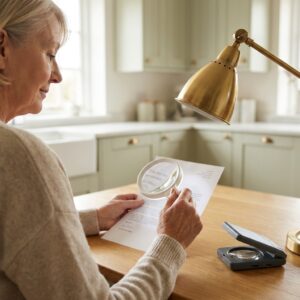
As long as you have usable central vision, magnification keeps you reading mail, labels, and books comfortably.
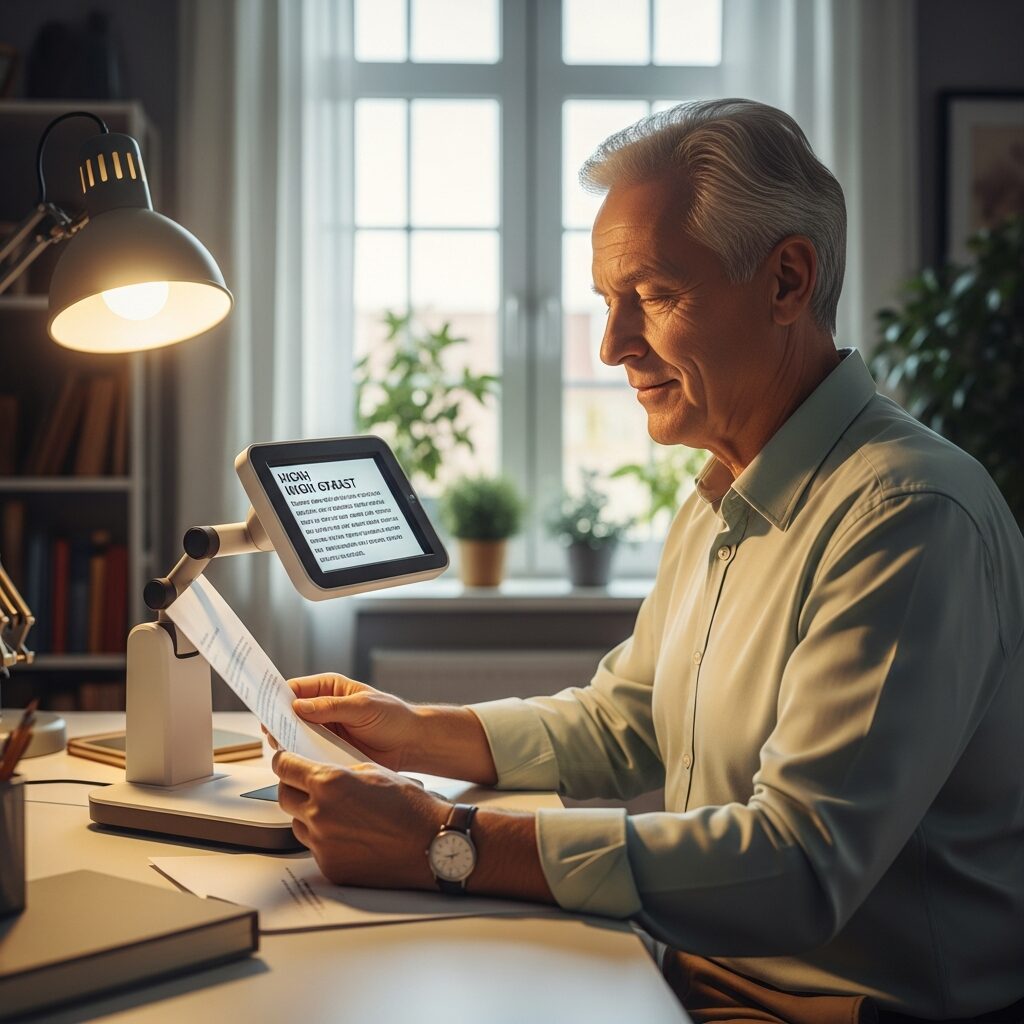
- Electronic magnifiers (desktop): Larger screens for sustained reading, with adjustable size and high-contrast color modes.
- Portable handheld magnifiers: Pocket-sized help for menus, price tags, and labels when you are out.
- Screen magnification software: Tools like ZoomText, plus the built-in magnifiers in Windows and macOS, enlarge everything on your computer.
One RP-specific tip: very high magnification shrinks how much you can see at once, which is tricky when your field is already narrowed. A low vision specialist can help you find the balance between large-enough text and a wide-enough view.
As reading by sight becomes more tiring, many people add text-to-speech and screen readers like JAWS, NVDA, or VoiceOver. Moving from magnification to audio is a normal, smart transition, not a step backward.
Wearable Assistive Technology
Wearable devices have advanced quickly, and they are some of the most useful tools for RP. NELVB carries and demonstrates these so you can try them in real-world situations before deciding.
- OrCam MyEye: A small camera that clips to your glasses and reads text aloud, recognizes faces, and identifies products.
- Envision Glasses: Similar AI-powered reading and scene description on a wearable platform.
- eSight Go: Headset that enhance and magnify your remaining vision, best suited to people who still have some central vision.
- Luna Glass: Developed for those who are night blind due to conditions like RP, to see again in dark and dimly lit conditions.
There is also a different kind of help: live-assistance services. With Aira, a trained person sees what your camera sees and describes surroundings, reads text, or guides you in real time. Be My Eyes connects you with volunteers for quick tasks. Our comparison of wearable technology for RP breaks down which option fits which need and budget.
Mobility and Navigation Devices
Getting around safely is one of the biggest concerns with RP, and the tools here are both simple and powerful.
The white cane is the most reliable and affordable mobility tool there is. It detects obstacles and curbs and signals to others that you have a visual impairment. You do not have to be totally blind to use one, and learning early makes the transition smoother. Our guide to white canes and mobility aids covers how to begin.
Technology adds another layer. GPS navigation apps with audio guidance help you travel confidently, and some obstacle-detection devices use ultrasonic sensors to warn of nearby objects. For some people, a guide dog is the right fit, offering both mobility and companionship.
Choosing Devices by Your RP Stage
The most helpful way to think about devices is to match them to where you are now, and to learn about the next stage before you reach it.
- Early RP (night blindness): Lighting aids, a reliable flashlight, and simple home modifications. This is the time to explore what else exists, even before you need it.
- Moderate RP (tunnel vision): Scanning training, magnifiers, white cane introduction, and smartphone accessibility features.
- Advanced RP (minimal vision): Screen readers, wearable technology, live-assistance services, and full mobility training.
The thread through every stage is the same: building familiarity with a tool early means it feels natural when you rely on it more. A low vision specialist can match devices to your specific field loss, which matters more with RP than with most conditions.
Frequently Asked Questions
What devices help most with tunnel vision from RP?
Mobility tools like the white cane and GPS apps help most with the navigation challenges of tunnel vision, while magnification and wearable readers support reading and recognition. Because magnification can narrow your usable field, professional fitting is especially valuable.
Do I need expensive equipment to manage RP?
Not necessarily. Many of the most useful aids are low-cost, like a good flashlight, smartphone accessibility settings, and a white cane. Higher-cost wearables can be genuinely helpful, which is exactly why trying them before buying matters.
Can I try assistive devices before purchasing?
Yes. NELVB offers demonstrations and trials so you can test devices in real situations and see what actually fits your vision and daily life before you invest.
Take the Next Step
Finding the right tools for RP is easier when you can try them with someone who understands the condition. The best plan matches devices to your current stage and the tasks that matter most to you, with room to grow as your needs change.
NELVB offers device demonstrations for people with RP. No obligation consultation to match the right tools to your vision and your life.