Assistive Technology Solutions by Job Type
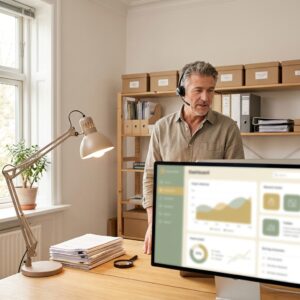
Wondering whether your job is still doable with low vision? For almost every profession, the answer is yes—with the right assistive technology matched to the work you actually do.
The best tools aren’t one-size-fits-all. An accountant, a nurse, a teacher, and an electrician each need something different to do their best work.
This guide walks through practical assistive technology for work with low vision, organized by job type, so you can see exactly what helps in your field. For your legal rights to these tools, see our guide to ADA accommodations for low vision.
Office and Administrative Work
Office roles are among the most accessible jobs for people with low vision, because nearly every task happens on a computer you can adapt.
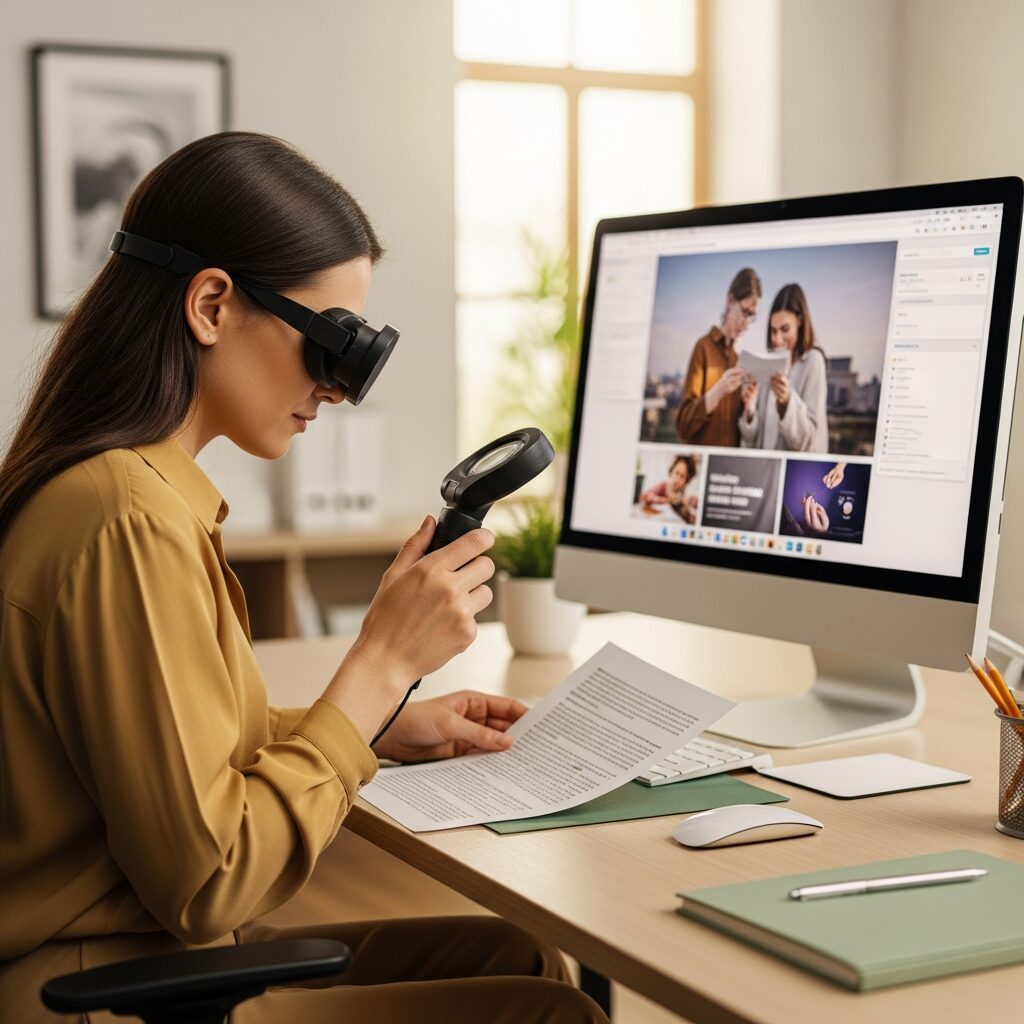
Screen magnification software like ZoomText—or the free magnifiers built into Windows and Mac—lets you enlarge email, spreadsheets, and documents to a comfortable size. Pair it with a large or second monitor and you’ll have room to work without losing your place.
Voice dictation speeds up writing and data entry, and it’s built into most operating systems at no cost. For long documents, a screen reader can read text back to you so you can rest your eyes.
A few display tweaks go a long way too: raise the system font size, turn on high-contrast mode, and adjust your screen’s brightness to reduce strain.
Healthcare and Clinical Settings
Healthcare work is more accessible than many people assume, especially with portable tools that move with you.
A handheld electronic magnifier helps you read charts, medication labels, and small print at the bedside or pharmacy counter. Many electronic health record systems also support magnification and high-contrast display settings.
Talking or large-display measurement tools—thermometers, blood pressure monitors, and scales—keep clinical tasks accurate. For patient interactions, simple strategies like confirming details aloud add a helpful layer of safety.
Education and Teaching
Teachers with low vision bring valuable perspective to the classroom, and technology helps them manage the visual demands of the job.
A large classroom display or a tablet mirrored to a projector lets you present and review materials at a size that works for you. Accessible lesson materials—digital files you can enlarge or have read aloud—reduce the strain of prep work.
When reviewing student work, a desktop electronic magnifier or a scanning app that reads text aloud makes grading far more manageable. Screen-sharing tools also let you see shared content up close during virtual or hybrid lessons.
Customer Service and Sales
Many customer-facing roles are highly accessible, and some require very little usable vision at all.
Phone-based support and sales rely mostly on hearing and speaking, with a screen reader or magnification handling any on-screen information. Customer relationship management (CRM) software works smoothly with magnification and screen readers.
For in-person retail, accessible point-of-sale systems with audio feedback or enlarged displays keep transactions moving. A portable magnifier handles quick reading tasks like price tags or receipts.
Skilled Trades and Physical Work
Hands-on trades are often overlooked in accessibility guides, but plenty of adaptations make detailed work possible.
Wearable magnifiers and magnifying headsets keep your hands free for assembly, repair, and inspection. A portable electronic magnifier helps with reading gauges, labels, and fine measurements.
Talking measurement tools—levels, tape measures, and multimeters with audio output—support precision without relying on small print. As always, build in safety adaptations suited to your specific environment and tasks.
Creative and Design Work
Creative professionals can absolutely thrive with low vision, with tools that protect both productivity and quality.
A large, high-resolution monitor paired with magnification gives you a detailed, enlarged view of your work. Color-management tools and high-contrast interface themes help when color accuracy matters.
Most design software includes accessibility settings—adjustable panel sizes, zoom shortcuts, and customizable contrast—that make daily work more comfortable. For collaboration, screen-sharing and review tools let you examine feedback up close.
How to Choose the Right AT for Your Job
With so many options, the smartest first step isn’t buying a device—it’s understanding your own workflow.
Start with a workplace assistive technology assessment. A specialist looks at the specific tasks you do each day and matches tools to them, so you invest in what actually helps.
Ask for a trial period whenever you can. Testing a tool in your real work environment tells you far more than a spec sheet ever could.
Don’t underestimate training. The device matters, but learning to use it well is what unlocks your productivity—so factor training time into any plan.
Finally, look into funding. Employers, state vocational rehabilitation agencies, and grant programs often cover the cost. Our assistive technology funding guide breaks down where the money comes from, and the broader picture is in our guide to workplace accessibility for low vision.
Frequently Asked Questions
Can I work in an office with low vision?
Yes. Office work is one of the most accessible career paths, because screen magnification, screen readers, large monitors, and voice dictation adapt nearly every computer-based task to your vision.
What assistive technology helps teachers with low vision?
Large classroom displays, tablets mirrored to a projector, accessible digital lesson materials, and desktop electronic magnifiers for grading all help teachers manage the visual demands of the classroom.
Can someone with low vision work in healthcare?
Often, yes. Portable electronic magnifiers, accessible electronic health records, and talking measurement tools support many clinical and administrative healthcare roles.
How do I know which assistive technology is right for my job?
Start with a workplace assistive technology assessment, which matches tools to the specific tasks you do each day. A short trial period helps confirm a tool fits before you commit.
Take the Next Step
The right assistive technology can make almost any job work for you—but matching the tool to your role and your vision is where the real difference happens.
NELVB offers workplace assistive technology assessments that pinpoint exactly which solutions fit your job and your goals. Our specialists will walk you through your options with no pressure—just clear, practical guidance.
Schedule your no-obligation consultation today and take the next step toward working with confidence.