Desktop vs. Handheld Magnifiers for AMD
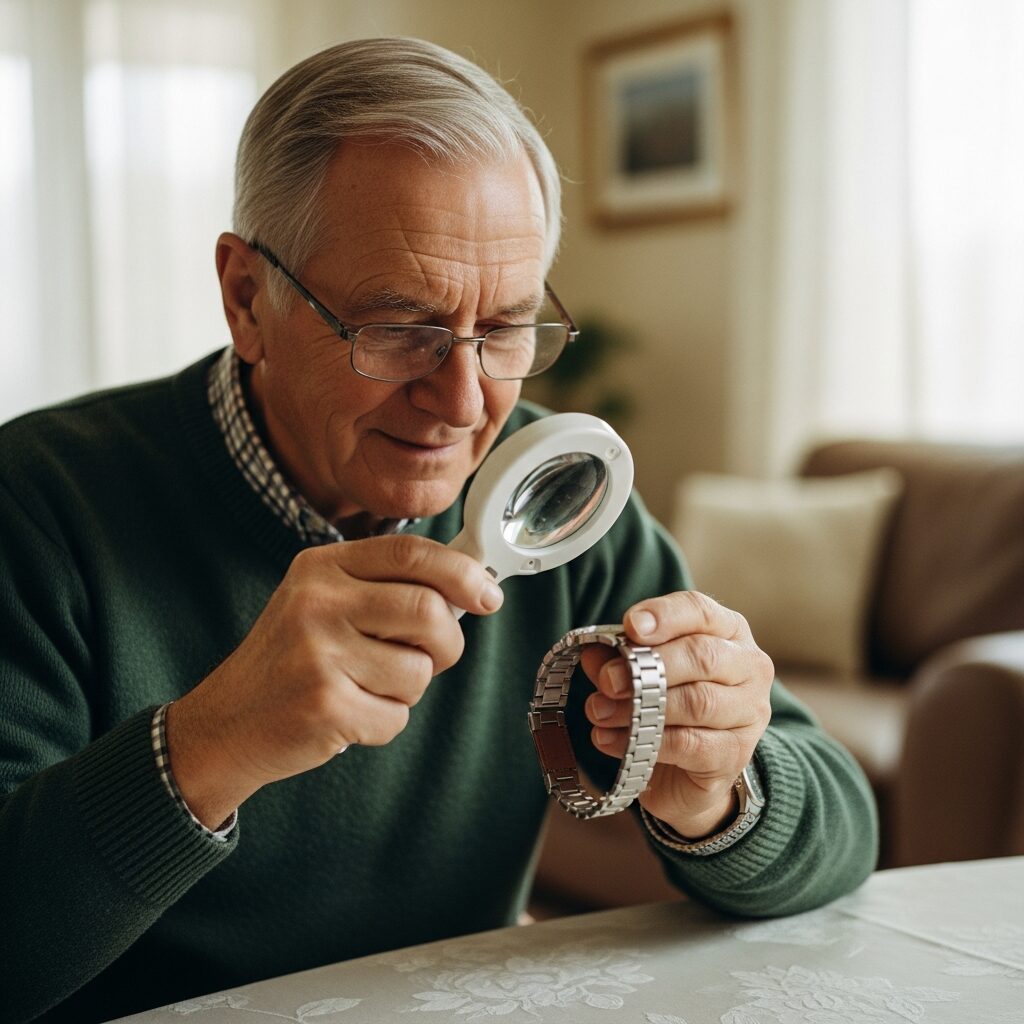
If you or someone you love has been recently diagnosed with age-related macular degeneration, choosing your first magnifier can feel surprisingly overwhelming. There are dozens of styles, prices range from twenty dollars to several thousand, and well-meaning friends often push whatever worked for them. The truth is that the right magnifier depends on what you actually want to do each day, not on what is most popular.
Magnifiers are the most common first step people take with low vision aids, and for good reason. They restore access to the small print that AMD slowly steals: medication labels, mail, recipes, the morning paper. Most options fall into two broad categories: handheld magnifiers you carry with you, and desktop magnifiers that stay put on a table or counter. Knowing how each one shines, and where each one struggles, makes the decision much simpler.
This guide walks you through both types, the difference between optical and electronic models, and how to match a magnifier to the tasks that matter most in your day. For the bigger picture of low vision tools that support people with AMD, our complete macular degeneration low vision aids guide ties magnifiers together with lighting, electronics, and rehabilitation services.
How Magnification Works for AMD
Macular degeneration affects central vision, the part of your sight you use to read, recognize faces, and focus on detail. Because the cells in your central retina are not working the way they once did, the printed letter or label has to be made larger before the healthier parts of your retina can interpret it clearly. That is what a magnifier does. It does not heal vision; it presents information in a size your remaining sight can use.
You will see magnifiers labeled with power ratings like 2x, 5x, or 10x. A 2x lens makes objects appear twice as large, while a 10x lens makes them ten times larger. More power sounds better until you understand the trade-off. The stronger the magnification, the smaller the field of view, meaning you see fewer words on a page at one time. A very high-power lens may show only one letter at a glance, which slows reading dramatically.
This is why the strongest magnifier is rarely the best choice. Comfortable reading usually happens at the lowest magnification that still lets you see clearly. Lighting plays an equally important role: a well-lit page with a modest magnifier often works better than a dim page with a powerful one. Many people with AMD discover that adding a focused task light next to their reading area is just as transformative as the magnifier itself.
Handheld Magnifiers: Pros, Cons, and Best Uses
Handheld magnifiers are the small, portable lenses that fit in a purse, jacket pocket, or kitchen drawer. They are typically the first device people purchase, often before any low vision evaluation, because they are inexpensive and familiar.
When Handheld Magnifiers Work Best
Handhelds shine for spot reading, the short tasks where you only need a few seconds of magnification. Checking a price tag at the grocery store, reading the dosage on a pill bottle, scanning a menu at a restaurant, or sorting through the day’s mail are all situations where a handheld is exactly the right tool. Their portability is the biggest advantage. You can keep one in the kitchen, one near your favorite chair, and one in your bag without breaking the budget.
Types of Handheld Magnifiers
Simple optical lenses are the most basic option and work without batteries or electronics. LED-illuminated handheld magnifiers add a built-in light, which makes a noticeable difference for people with AMD because they typically need three to four times the lighting of a normally sighted person. Aspheric lenses are slightly more advanced, designed to reduce the edge distortion that can make traditional magnifiers feel disorienting.
Limitations
Handhelds are not built for sustained reading. After ten or fifteen minutes of holding a lens at the right distance, hand fatigue sets in, and the magnifier slowly drifts out of focus. They also make writing nearly impossible because one hand is occupied holding the magnifier, leaving only one free for the pen. Anyone planning to read a full novel, write checks, or work on a hobby for an hour at a time will quickly outgrow a handheld.
Desktop Magnifiers: Pros, Cons, and Best Uses
Desktop magnifiers, sometimes called stand magnifiers or video magnifiers, sit on a table and free both your hands. They are designed for the longer, more focused tasks that handhelds cannot support comfortably.
When Desktop Magnifiers Work Best
If your goal is to keep reading books, newspapers, or magazines, a desktop magnifier is almost always the better investment. The same is true for writing tasks like signing checks, filling out forms, or replying to a card. Hobbies that require both hands, such as needlework, model building, or sorting photographs, also work much better with a stationary magnifier that holds the lens or camera steady for you.
Types of Desktop Magnifiers
Optical stand magnifiers are sturdy, no-electronics options with a fixed lens and built-in lighting positioned over the page. Electronic video magnifiers, often called CCTVs, use a camera to project an enlarged image onto a screen, with adjustable magnification, contrast, and color settings. Hybrid models combine a camera and screen with a movable arm so you can magnify objects beyond the page, like the back of a craft project or the screen of your phone.
Limitations
Desktop magnifiers are not portable. They live where you place them, which means most people set one up in a primary reading spot at home. They also cost more than handheld options, with electronic CCTVs ranging from several hundred to several thousand dollars. Electronic models have a learning curve too, with buttons and settings that take a little practice. Resources from the American Academy of Ophthalmology can help you understand the broader picture of AMD progression and what tools tend to help at each stage.
Electronic vs. Optical: When to Upgrade
Optical magnifiers, both handheld and desktop, use only glass or plastic lenses. They are simpler, less expensive, and never need charging. For early to moderate AMD, a quality optical magnifier paired with good lighting is often enough.
Electronic magnifiers, by contrast, use a camera and a screen. They offer much higher magnification ranges, often up to 70x or more, and they can change the contrast or color of text. White text on a black background, yellow text on blue, or other combinations can dramatically reduce eye strain. Most electronic devices also let you freeze an image, take a snapshot, or zoom in further than any optical lens allows.
You may be ready to consider an electronic option when reading with a strong optical magnifier still feels exhausting, when you cannot find a contrast setting that works in the lighting you have, or when your AMD has progressed to the point that 5x or 6x is no longer enough. Funding options exist that many people do not realize. Vocational rehabilitation programs, the Veterans Administration, and certain state assistive technology grants can offset the cost. Many of our patients also use both an optical handheld and an electronic desktop, switching between them depending on the task. We will explore the broader range of options in our guide on digital tools and apps for macular degeneration .
Choosing Based on Your Daily Tasks
The simplest way to choose the right magnifier is to think through your week and match each task to the tool that fits it best. Our complete macular degeneration low vision aids guide goes deeper into pairing devices with lifestyle, but here is a quick map.
For reading mail and labels, an LED-illuminated handheld magnifier in a comfortable power range, usually 3x to 5x, is hard to beat. For reading books or newspapers comfortably for an hour or more, a desktop stand magnifier or an electronic CCTV will save your eyes and your patience. For writing checks, signing forms, or addressing letters, a desktop model with a flat reading surface and writing space underneath is essential. For shopping trips and dining out, a small portable electronic magnifier offers the contrast adjustment and zoom that handhelds cannot match. For hobby work, a desktop magnifier with an adjustable arm gives you the flexibility to angle the lens however the project demands.
If this list feels like a lot to sort through, that is exactly why a low vision evaluation is so valuable. A trained therapist watches you actually use the device with your own reading materials, your own handwriting, and your own lighting. That hands-on fitting is where the right magnifier reveals itself, often surprising people who thought they needed something far more expensive than they actually do. The VisionAware library has additional background on assistive devices that pair well with magnifiers, and our assistive technology services are built to walk you through the full set of options.
A few realities worth knowing before you shop. Most people with AMD end up with more than one magnifier, not because the first one failed, but because different tasks have different needs. The handheld in your purse and the CCTV on your desk are teammates, not competitors. Lighting matters as much as power. And the magnifier that works beautifully for your neighbor may feel completely wrong for you, which is normal and expected.
Take the Next Step
Choosing your first magnifier, or replacing one that has stopped working for you, does not have to be a guessing game. NELVB offers in-home magnifier demonstrations across New England so you can try desktop and handheld models side by side, with your own reading materials, in your own lighting. There is no pressure, and the consultation is free. Our occupational therapists will help you find the magnification power, style, and price point that actually fit your day. When you are ready, schedule your low vision consultation and we will bring the options to you.