Tech for the Visually Impaired: An Analysis of the Best iOS Apps
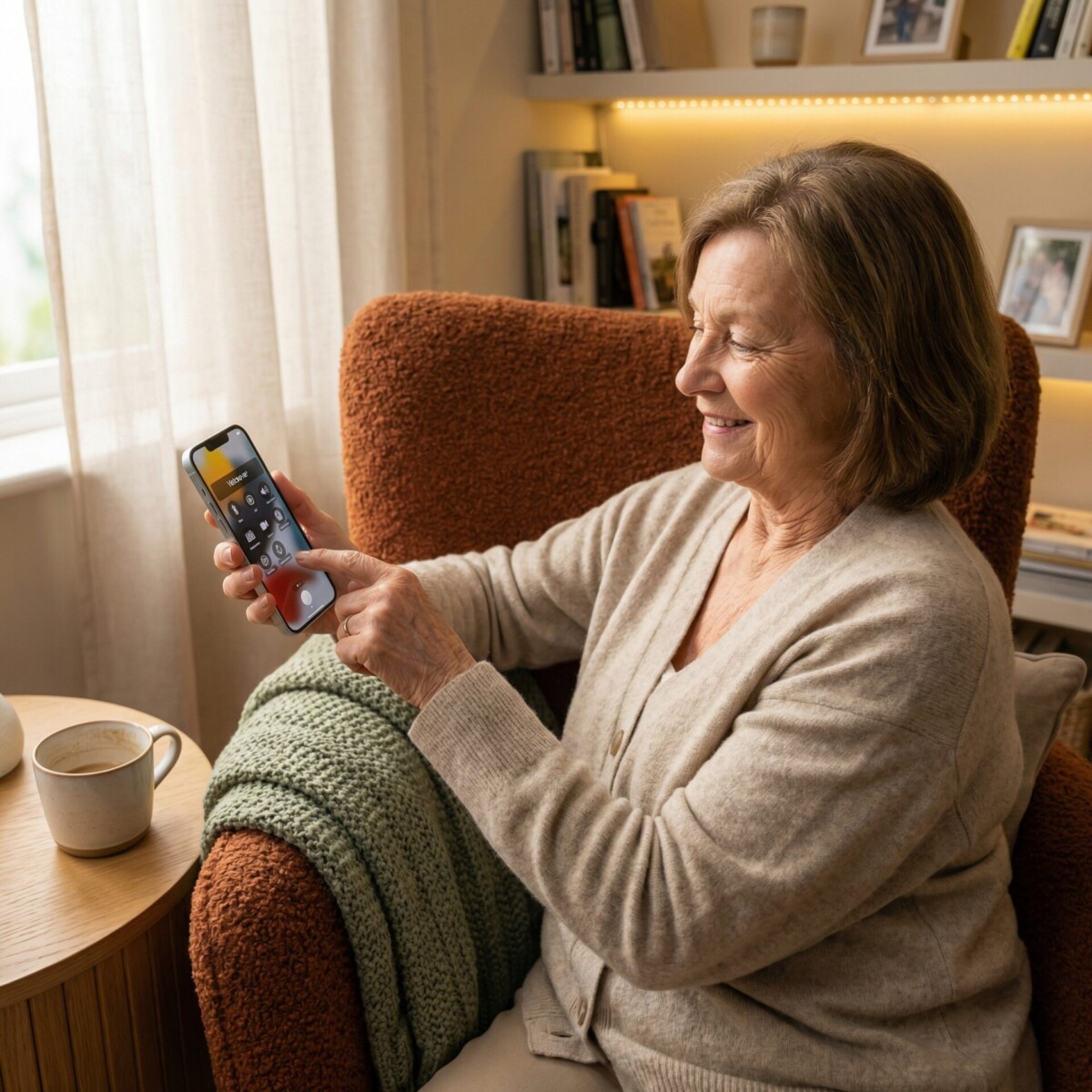
Your iPhone is more than a phone. For many people with low vision or blindness, it is a reading assistant, a navigation guide, and a window to the world that was harder to reach just a few years ago. The challenge is not a lack of apps. It is knowing which ones actually deliver.
We have tested and reviewed the most popular iOS apps designed for people with visual impairments. Here is what stands out, what works best for specific tasks, and where to start if you are new to assistive technology on your iPhone.
Why iOS Stands Out for Accessibility
Apple has built accessibility into the foundation of iOS. VoiceOver, the built-in screen reader, works across the entire operating system. Magnifier turns your camera into a handheld lens. Display settings let you adjust text size, contrast, and color filters without downloading anything extra.
These built-in tools mean that third-party apps for visually impaired users start from a strong foundation. Many of the best iOS apps for visually impaired people work seamlessly with VoiceOver and other native features.
If you have not explored your iPhone’s accessibility settings yet, start there. Go to Settings, then Accessibility, and you will find a full suite of vision tools already waiting.
Best iOS Apps for Visually Impaired Readers
Seeing AI by Microsoft is one of the most versatile free apps available. Point your camera at a document, product label, or handwritten note and it reads the text aloud instantly. It also identifies people, describes scenes, and recognizes currency.
For longer documents or books, Voice Dream Reader offers high-quality text-to-speech with adjustable speed, voice, and display options. It supports PDF, Word, EPUB, and web content. Many users find it especially helpful for reading articles, textbooks, or personal documents at their own pace.
If you need to scan and save documents regularly, KNFB Reader provides professional-grade optical character recognition. It handles multi-column layouts and complex formatting better than most alternatives.
Start here: If you are choosing just one reading app, Seeing AI covers the most ground for free.
Best iOS Navigation Apps for Visually Impaired Users
Google Maps remains the most reliable option for turn-by-turn directions with voice guidance. Its transit information and walking directions work well with VoiceOver.
For specialized navigation designed specifically for people who are blind or have low vision, Lazarillo provides real-time audio descriptions of your surroundings. It announces nearby businesses, intersections, and points of interest as you walk without needing to look at your screen.
BlindSquare is a premium option that pairs GPS data with Foursquare location information to provide detailed descriptions of intersections, distances, and nearby places. It is particularly useful for exploring unfamiliar areas.
For indoor spaces like airports, shopping centers, or hospitals, Evelity offers step-by-step audio guidance through complex buildings where GPS does not reach.
Best Apps for Daily Tasks and Object Recognition
Be My Eyes connects you with sighted volunteers through a live video call. Hold up your camera and a volunteer can help you identify products, match clothing colors, read expiration dates, or sort mail. Calls are typically answered within seconds.
The app has expanded to include an AI-powered assistant that can handle many of the same tasks without needing a live volunteer, making it available anytime.
Envision AI reads text, identifies objects, and describes scenes using your phone’s camera. It works offline, which makes it reliable when you do not have a strong internet connection.
For managing medications specifically, the Seeing AI app includes a barcode scanner that can identify products and read labels, reducing the risk of medication errors.
Built-In iOS Features You Might Be Missing
Before downloading additional apps, make sure you are taking full advantage of what your iPhone already offers.
Magnifier turns your rear camera into a digital magnifying glass with adjustable zoom, brightness, contrast, and color filters. Access it from Control Center or by triple-clicking the side button.
Live Text lets you point your camera at any text and interact with it immediately. Copy it, look it up, or translate it without taking a photo first.
Detection Mode in Magnifier can describe scenes, detect people nearby, and read text in your environment in real time.
Spoken Content reads entire screens or selected text aloud in any app. Enable it in Settings, then Accessibility, then Spoken Content.
These features work across your entire phone, not just in specific apps.
Getting Started: A Simple Three-Step Plan
If you are new to iOS accessibility apps, do not try to learn everything at once. Start with these three steps.
First, set up VoiceOver or Magnifier in your Accessibility settings. Spend a few days getting comfortable with the built-in tools before adding anything else.
Second, download Seeing AI and Be My Eyes. Both are free, and together they cover reading, object identification, and live human assistance.
Third, add a navigation app. Google Maps works well for most people. If you want something designed specifically for people with visual impairments, try Lazarillo.
You can always add more specialized apps later, but these three steps give you a solid foundation for daily independence.
Want Hands-On Help?
Learning new technology is easier with guidance. New England Low Vision and Blindness offers personalized assistive technology training to help you get the most from your iPhone and these apps. Our specialists work with you one-on-one to customize settings, practice using apps, and build confidence with the tools that matter most to your daily life.
Contact us at (888) 211-6933 or visit our training services page to schedule a free consultation.
Frequently Asked Questions
What is the best free iOS app for visually impaired users?
Seeing AI by Microsoft is widely considered the best free option. It reads text, identifies people and objects, describes scenes, and recognizes currency, all without any subscription or in-app purchases.
Do I need special apps if my iPhone already has VoiceOver?
VoiceOver is an excellent screen reader, but it works best alongside specialized apps. Apps like Seeing AI and Be My Eyes add capabilities that VoiceOver alone cannot provide, such as real-time object identification and live volunteer assistance.
Can these apps replace professional assistive technology training?
Apps are powerful tools, but personalized training helps you use them more effectively. Many people find that a few hours of guided instruction saves weeks of frustration and unlocks features they would not have discovered on their own.
Take the Next Step
At New England Low Vision and Blindness, we provide personalized assistive technology training to help you get the most from your iPhone and accessibility apps. Our team is here to help you build confidence and independence with the tools that matter most to your daily life.