Making Things Right: A Step-by-Step Guide to Troubleshooting Your Low Vision Aid
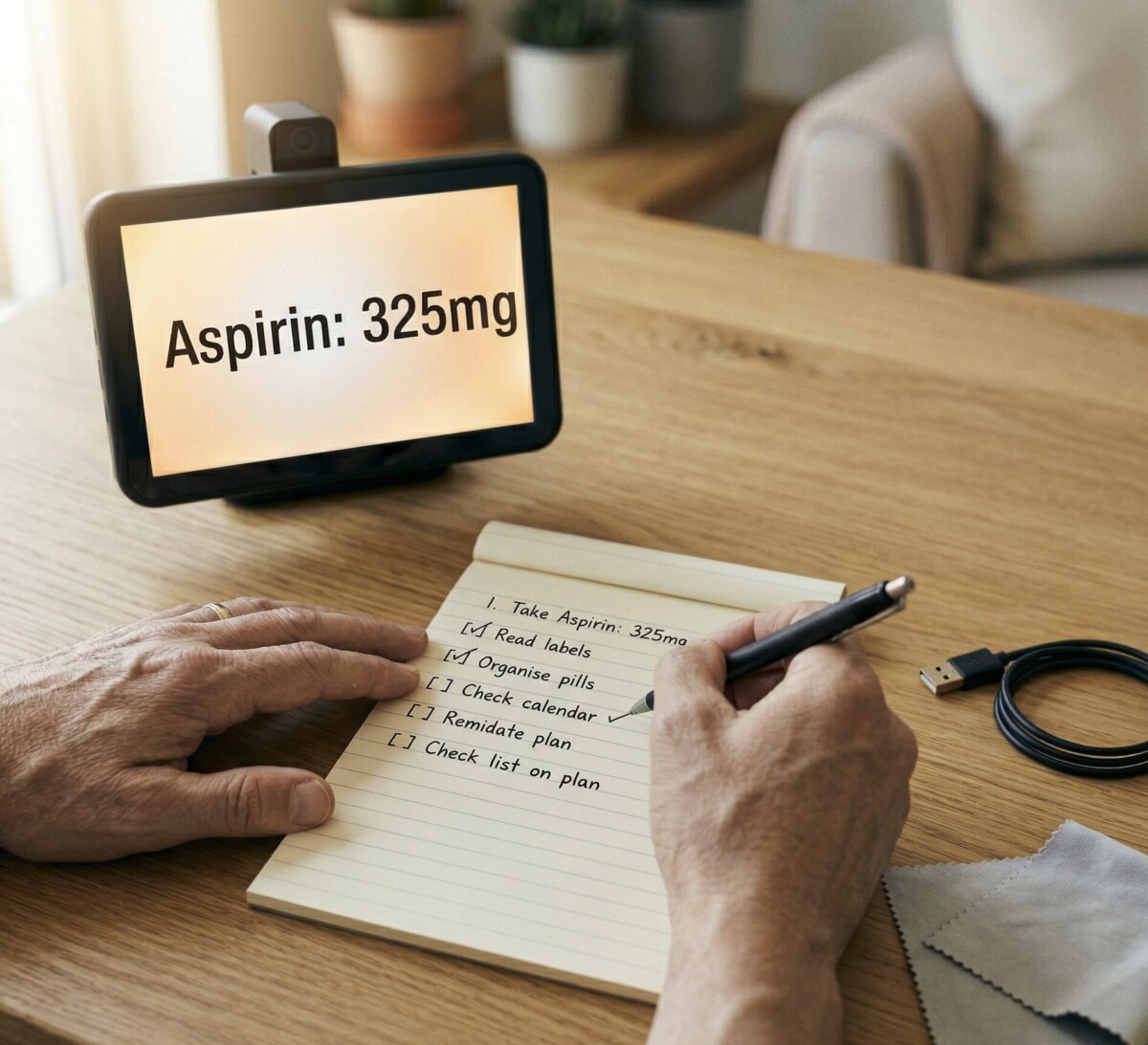
You shouldn’t need a degree in technology to fix your own low vision aid. With a clear, step-by-step approach, most issues are solvable at home—often in under 10 minutes.
This guide gives you a reliable process for low vision aid troubleshooting, no matter what type of device you use.
Step 1: Identify the Problem Clearly
Before you try any fix, take a moment to describe the problem as specifically as possible. “It’s not working” is hard to troubleshoot. “The screen turns on but nothing shows on the display” is something you can work with.
Ask yourself: What exactly is happening (or not happening)? When did the problem start? Did anything change before it started—a fall, an update, a new setting? Does the problem happen every time, or only sometimes? Clear answers help you find the right fix faster.
Step 2: Start with the Basics
Most problems resolve with simple fixes. Work through this checklist before anything else.
Power: Is the device on? Is it fully charged or plugged in? Connections: Are all cords and cables fully seated? Settings: Did a setting accidentally change? Check display mode, volume, and brightness. Cleanliness: Is the lens or screen clean? Dust and fingerprints cause more problems than most people realize. Restart: Turn the device completely off, wait 30 seconds, and turn it back on.
If any of these resolve the problem, you’re done.
Step 3: Consult the Manual or Online Resources
If the basics don’t fix it, the next step is the device’s user manual. Most manufacturers also have troubleshooting guides and FAQ pages on their websites.
Search for your device’s model number plus the specific problem you’re seeing. For example: “Merlin CCTV screen not displaying” or “ZoomText freezing after Windows update.” Many common issues are documented with official fixes. You don’t need to figure everything out on your own.
Step 4: Try the Specific Fix for Your Device Type
Once you’ve identified the type of problem, use the targeted fix.
For CCTV video magnifiers with display problems: Check the cable connecting the camera to the monitor. A loose connection is a frequent cause. Also check whether the device is in the correct display mode.
For handheld magnifiers with blurry images: Adjust focal distance and clean the lens. If it’s a lighted magnifier, check that the batteries are fresh.
For screen readers that have stopped speaking: Verify your volume settings, toggle the screen reader off and back on, and check for software updates. On Windows, press Windows+Ctrl+Enter to toggle Narrator. On iPhone, triple-click the side button.
For wearable or smart glasses with connectivity problems: Re-pair the device with your phone or tablet. Delete the old Bluetooth connection, restart both devices, and pair fresh.
Step 5: Contact Support if Needed
If you’ve worked through steps 1 through 4 and the problem isn’t resolved, it’s time to reach out. Options include the device manufacturer’s technical support line, your low vision specialist, and our remote training services team, who can assist with a wide range of devices via video or phone.
Don’t let a fixable problem go unaddressed. Getting help early usually prevents bigger issues down the road.
What to Have Ready When You Call
Before calling for support, gather the following: device make and model number (usually on the bottom or back of the device), date of purchase if known, description of the problem, and what you’ve already tried. This information helps the support team diagnose the issue more quickly, saving you time.
Your Low Vision Aid Deserves Good Care
Regular maintenance extends the life of your device and reduces the likelihood of sudden failures. Clean lenses weekly. Store devices in their cases when not in use. Keep software updated.
If you’re managing multiple devices or apps, our low vision iOS app guide covers setup and common fixes for mobile accessibility tools.
For comprehensive support, contact New England Low Vision and Blindness. Our team can assess your device, recommend repairs, and help you get back to living independently.
Frequently Asked Questions
Do I need to register my low vision device with the manufacturer?
Registration is highly recommended. It activates your warranty and makes it much easier to get support and replacement parts if something goes wrong.
Can I use my CCTV with a different monitor?
Many CCTVs are compatible with external monitors. Check your user manual for compatible connection types (HDMI, VGA). Using a larger monitor can significantly improve your viewing experience.
How often should I have my low vision aids professionally serviced?
Optical devices benefit from professional cleaning and adjustment every 1 to 2 years. Electronic devices should be evaluated if you notice a decline in performance, or if the manufacturer recommends a service interval.