The Future is Accessible: Unraveling the Best iOS Apps for the Visually Impaired
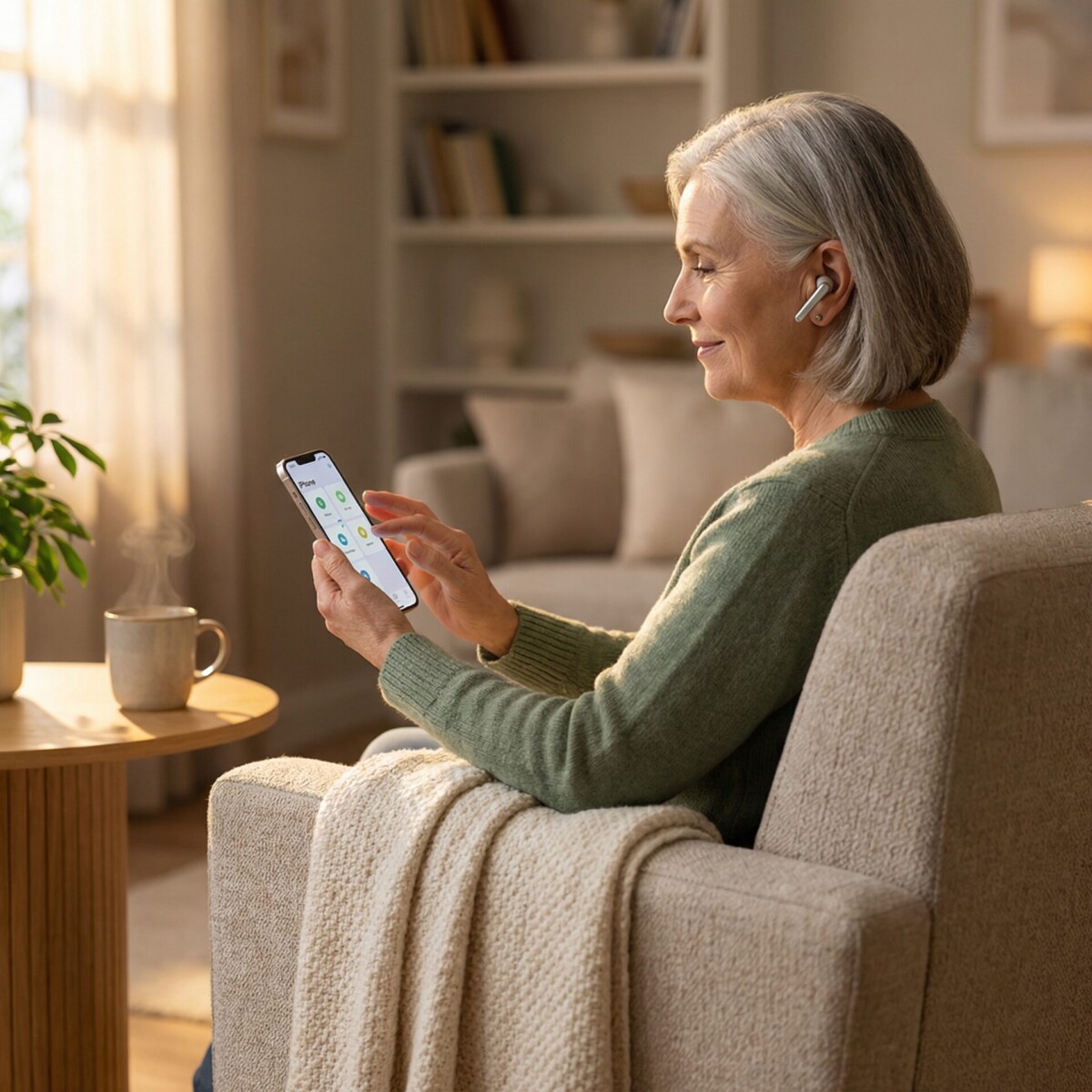
The apps on your iPhone today would have seemed impossible five years ago. An app that describes what your camera sees in natural language. Another that connects you to a volunteer who can read your mail in real time. A built-in tool that detects people and doors around you.
And this is just the beginning. The pace of innovation in accessible iOS apps for visually impaired users is accelerating, driven by breakthroughs in artificial intelligence that are fundamentally changing what a smartphone can do for someone with vision loss.
Where Accessibility Technology Stands Today
The current generation of iOS accessibility apps already handles tasks that once required expensive specialized devices or in-person assistance.
Seeing AI reads printed text, identifies objects, describes scenes, and recognizes people. Be My Eyes provides instant access to sighted volunteers and an AI assistant for visual questions. Envision AI works offline to read text and describe surroundings. Apple’s built-in Magnifier now includes Detection Mode for real-time scene description.
These tools represent a genuine leap forward. But the most exciting developments are still ahead.
How AI Powers Accessible iOS Apps
The biggest shift coming to accessibility apps is contextual scene understanding. Current apps can tell you what objects are in front of you. Next-generation apps will understand the context of what they see and provide relevant information without you needing to ask.
Imagine walking into a coffee shop and having your phone automatically tell you the menu is on the wall to your left, there are three people in line ahead of you, and the nearest open table is to your right. That level of spatial awareness is already being developed in research labs and will reach consumer apps in the near future.
Apple’s own accessibility features have been moving in this direction. Detection Mode already identifies doors, people, and text in your environment. Each iOS update adds more capabilities to this foundation.
Multimodal AI and Natural Conversations
One of the most important trends is the shift from command-based interaction to natural conversation with AI assistants.
Current apps require you to point your camera at something specific and ask a defined question. Emerging AI models can hold a conversation about what they see. You can ask follow-up questions, get clarification, or request more detail without starting over.
Be My Eyes has already integrated this technology through its AI assistant. Instead of just answering what is in the image, it can discuss what you are looking at, suggest alternatives, and remember context from earlier in the conversation.
This conversational approach matters because real-world situations rarely fit into simple question-and-answer formats. When you are choosing an outfit, comparing products at a store, or navigating a new building, being able to have a back-and-forth conversation with your visual AI makes the experience dramatically more useful.
Wearable Technology Integration
Smart glasses represent the next major platform for accessibility apps. Instead of holding up your phone, AI runs continuously on glasses you are already wearing, providing real-time audio descriptions without any extra effort.
Ray-Ban Meta Glasses already offer basic AI-powered scene description and object identification through voice commands. Dedicated accessibility devices like Envision Glasses provide more specialized features including text reading, scene description, and face recognition in a hands-free format.
As these devices improve and prices drop, they will shift the accessibility experience from something you actively do with your phone to something that happens passively in the background.
Indoor Navigation Gets Smarter
Outdoor GPS navigation works reasonably well for people with visual impairments, but indoor spaces remain a significant challenge. Airports, hospitals, shopping centers, and office buildings are difficult to navigate without visual cues.
Evelity is pioneering indoor navigation for people with visual impairments, offering step-by-step audio directions inside complex facilities. Apple’s indoor positioning technology continues to improve, and more buildings are adding the infrastructure needed to support precise indoor location services.
The future of indoor navigation includes AI that can understand floor plans, detect landmarks like elevators and restrooms, and guide you through unfamiliar buildings as confidently as GPS guides you through unfamiliar streets.
Best Accessible iOS Apps for Visually Impaired Users
While waiting for next-generation technology, today’s apps already offer powerful capabilities. Here are the tools that represent the current best of accessible iOS technology.
For reading and text recognition, Seeing AI remains the most versatile free option, handling printed text, handwriting, barcodes, and scene descriptions in a single app.
For visual assistance with a human touch, Be My Eyes combines volunteer support with AI assistance, giving you the best of both approaches.
For offline reliability, Envision AI works without an internet connection, which matters when you are traveling or in areas with poor service.
For navigation, Lazarillo provides continuous audio descriptions of your surroundings, while Google Maps handles turn-by-turn directions with solid VoiceOver support.
For built-in power, Apple’s own VoiceOver, Magnifier, Live Text, and Detection Mode provide a strong baseline that requires no downloads and no subscriptions.
Preparing for What Comes Next
The best way to prepare for future accessibility technology is to get comfortable with what is available today. Every new tool builds on the same foundations: screen readers, camera-based recognition, voice interaction, and spatial awareness.
When you learn to use VoiceOver effectively, you are building skills that transfer to every future iOS accessibility feature. When you get comfortable with AI-powered apps like Seeing AI, you are developing the habits that will make next-generation tools intuitive from the start.
New England Low Vision and Blindness helps you build this foundation with personalized assistive technology training. Our specialists stay current with the latest developments in accessible iOS apps for visually impaired users and help you adopt new tools as they become available.
Call (888) 211-6933 or visit our training services page to schedule a free consultation.
Frequently Asked Questions
What new AI features are coming to iOS accessibility apps?
The most significant developments include contextual scene understanding, where apps automatically describe relevant details about your environment, and conversational AI that lets you discuss what the camera sees in natural back-and-forth dialogue rather than simple commands.
Will smart glasses replace phone-based accessibility apps?
Smart glasses like Ray-Ban Meta and Envision Glasses are becoming viable accessibility tools, but they complement rather than replace phone apps. Phones remain better for document scanning, detailed reading, and tasks requiring a larger screen. Glasses excel at passive, hands-free awareness.
How often should I update my accessibility apps?
Keep automatic updates enabled for all accessibility apps. AI-powered apps like Seeing AI and Be My Eyes receive frequent improvements to recognition accuracy and new features. iOS updates also regularly enhance built-in accessibility tools like VoiceOver and Magnifier.
Take the Next Step
At New England Low Vision and Blindness, we provide personalized assistive technology training to help you get the most from your iPhone and accessibility apps. Our team is here to help you build confidence and independence with the tools that matter most to your daily life.